

Zero-Click Searches vs Your Website: How to Win With Local SEO Strategies in 2026
- Owen Measures
- Jan 20
- 5 min read
You've put time, effort, and money into your website. It looks great. It loads fast. And yet... your traffic isn't quite where you'd expect it to be.
Here's the thing: it might not be your website's fault at all.
Welcome to the age of zero-click searches, where Google answers your customers' questions before they ever reach your site. Sounds frustrating, right? But here's the good news: if you play your cards right, zero-click searches can actually work in your favour. Especially if you're a local business.
Let's break it down.
What Exactly Is a Zero-Click Search?
A zero-click search happens when someone types a query into Google and gets their answer right there on the results page, without clicking through to any website.
Think about it. When you search for "weather London" or "what time does Tesco close," you probably don't click anything. Google just... tells you. That's a zero-click search.

And it's not a small trend. As of 2026, roughly 60% of all Google searches end without a single click. For local searches specifically, things like "plumber near me" or "best café in Manchester", that number jumps to around 70%.
Google is essentially becoming the destination, not just the signpost.
Why Should UK Business Owners Care?
If you're running a local business, this shift matters more than you might think.
Here's the twist: unlike big eCommerce sites that desperately need clicks to make sales, local businesses can actually convert directly from the search results page.
When someone searches for your type of business, they might see:
Your phone number (and tap to call)
Your address with directions
Your opening hours
Your reviews and star rating
They don't need to visit your website to take action. They can ring you, get directions, or walk through your door, all from Google's results page.
So the question isn't just "how do I get clicks?" It's "how do I show up where my customers are already looking?"
That's where local SEO comes in.
Three Actionable Ways to Win With Local SEO in 2026
Let's keep this practical. Here are three things you can do right now to make zero-click searches work for your business.
1. Optimise Your Google Business Profile (Properly)
If you only do one thing from this list, make it this.
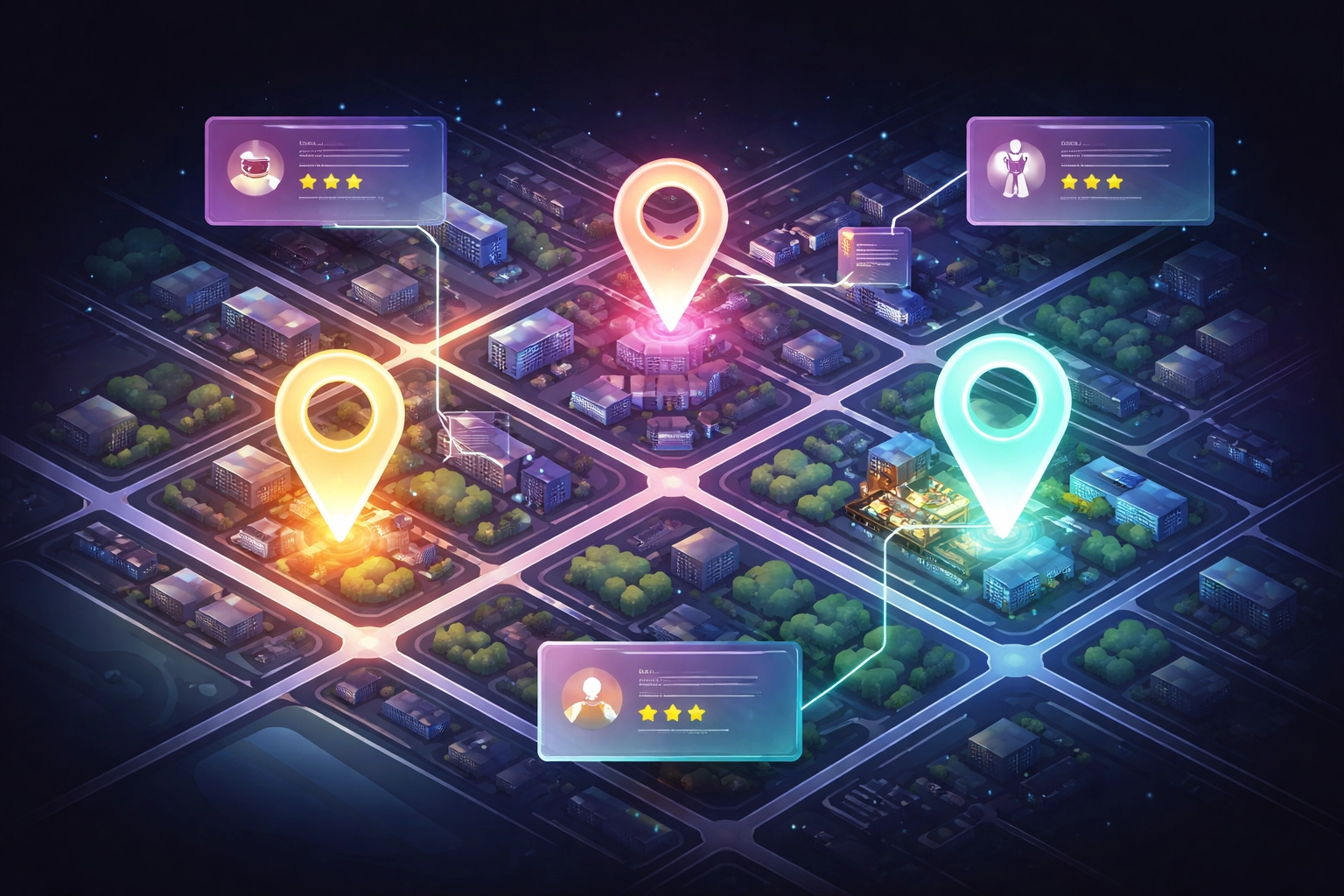
Your Google Business Profile (formerly Google My Business) is your shopfront on Google. It's what appears in the Local Pack, that box of three businesses that shows up when someone searches for local services.
Here's how to make yours stand out:
Keep your details accurate. Name, address, phone number, opening hours, double-check everything. Inconsistencies confuse Google and frustrate potential customers.
Add fresh photos regularly. Businesses with recent photos get more calls and direction requests. It's that simple.
Use Google Posts. Share updates, offers, or news. It signals to Google that your business is active and engaged.
Respond to reviews. Every single one. Good or bad. It shows you care, and it builds trust with people reading those reviews from the search page.
Your Google Business Profile is often the first (and sometimes only) impression people get. Make it count.
2. Use Schema Markup to Speak Google's Language
Schema markup might sound technical, but stick with me, it's more accessible than you think, especially if you're using a platform like Wix Studio.
In simple terms, schema is a bit of code that helps search engines understand what's on your page. It tells Google things like:
What services you offer
Where you're located
Your opening hours
Customer reviews and ratings
When Google understands this information clearly, it's more likely to display it in rich snippets and featured results, the kind that appear at the top of search pages.

For local businesses, the most useful types of schema include:
LocalBusiness schema – covers your basic details
FAQ schema – great for appearing in "People Also Ask" boxes
Review schema – helps your star ratings show up in search results
If you're building on Wix Studio, you'll find built-in SEO tools that make adding schema markup straightforward, no coding degree required. You can set up structured data for your business type, location, and services without touching a line of code.
3. Create Content That Targets 'How-To' Long-Tail Keywords
Here's where your website still plays a crucial role.
While zero-click searches dominate quick, factual queries, longer, more complex questions still drive people to click through. And these are often the visitors who are most ready to take action.
Think about the difference between:
"plumber near me" (zero-click territory)
"how to fix a dripping tap without calling a plumber" (content opportunity)
The second search is longer, more specific, and signals intent. Someone searching this might realise halfway through your blog post that actually, yes, they do need a professional. And look, there's your contact details right there.
Tips for creating content that ranks:
Focus on questions your customers actually ask. What do people ring you about? What do they ask in emails?
Use natural, conversational language. Write like you're explaining something to a friend over coffee.
Structure your content clearly. Use headings, short paragraphs, and bullet points. Google loves scannable content, and so do readers.
Include local context. A guide to "choosing a web designer in the UK" will resonate more with local searchers than generic advice.

Wix Studio's blogging tools make this easier too. You can optimise meta descriptions, add alt text to images, and preview how your posts will appear in search, all from one dashboard.
How Wix Studio Supports Your Local SEO
Speaking of Wix Studio, it's worth mentioning a few features that tie into everything we've covered:
Built-in SEO settings – customise titles, descriptions, and URLs for every page
Structured data options – add schema markup without needing a developer
Mobile-first design – crucial for local searches, which are overwhelmingly mobile
Google Business Profile integration – manage your profile and website in sync
For local businesses that want to compete in 2026, having a website platform that supports modern SEO practices isn't optional, it's essential.
Rethinking What Success Looks Like
Here's a mindset shift worth making: in the zero-click era, success isn't just about website traffic.
Yes, traffic still matters. But so do:
Phone calls from search results
Direction requests on Google Maps
Visibility in the Local Pack
Positive reviews that build trust before someone ever visits your site
If your business is showing up where people are searching: and they're taking action: that's a win. Even if they never technically "clicked."
Ready to See Where You Stand?
Zero-click searches aren't going away. If anything, they're becoming the norm. But that doesn't mean your business has to get left behind.
With the right local SEO strategies: optimising your Google Business Profile, using schema markup, and creating helpful content: you can turn this shift into an advantage.
Not sure where to start? Get in touch with WebOws Design for a free SEO audit. We'll take a look at your current setup and show you exactly where the opportunities are.
Contact us here or explore our SEO and digital marketing services to learn more.
Let's make sure your business gets found: click or no click.
Comments