

Mobile-First or Mobile-Last? 7 Responsive Design Mistakes That Are Killing Your Local SEO Rankings
- Owen Measures

- Dec 6, 2025
- 5 min read
Your responsive website isn't just failing your mobile users: it's actively sabotaging your local search rankings. With mobile searches driving 60% of local business discovery, the difference between mobile-first and mobile-last design has never been more critical for your bottom line.
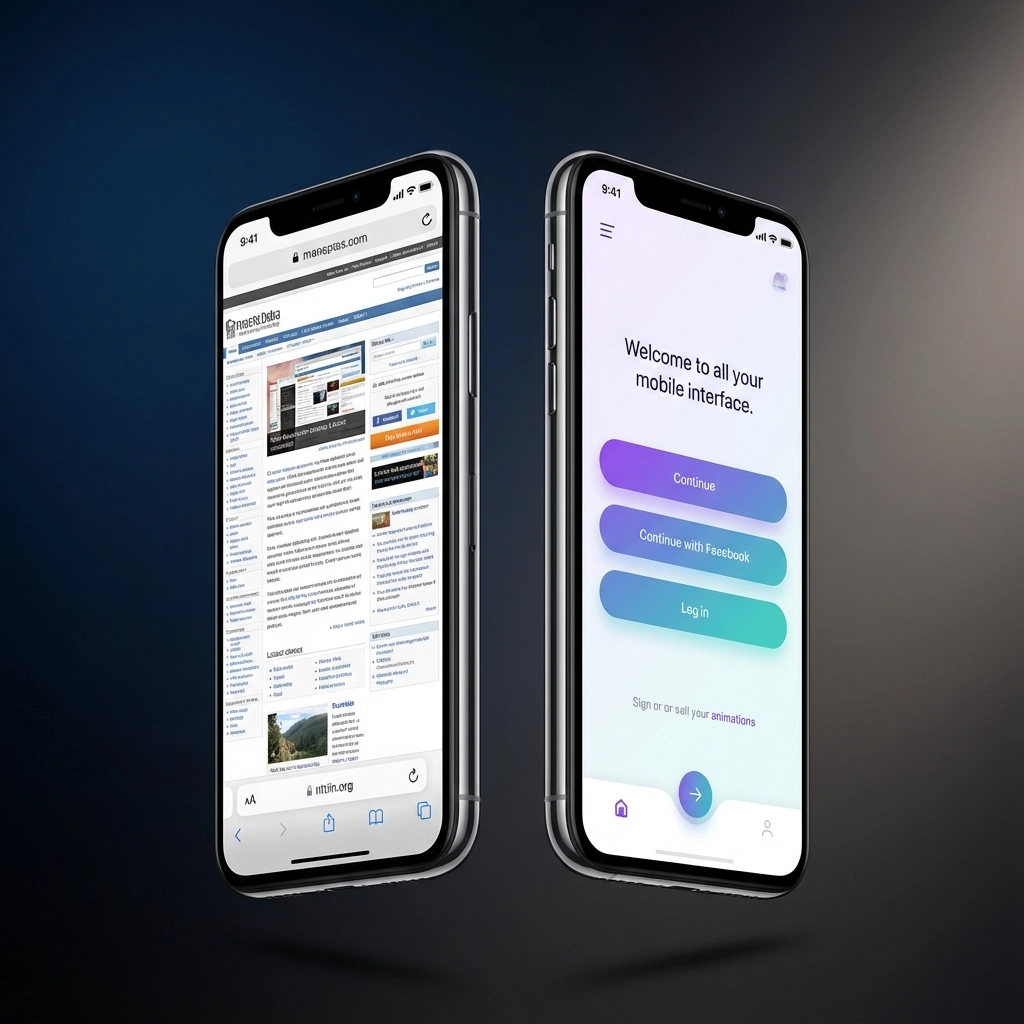
Mobile-first design means building for small screens first, then enhancing for larger devices. Mobile-last design (traditional responsive) starts with desktop and tries to squeeze everything onto smaller screens afterward. This fundamental difference determines whether Google rewards or penalizes your local business.
Here's the reality: Google's mobile-first indexing means your mobile site version is what gets ranked. If you're making these seven critical mistakes, you're handing local customers directly to your competitors.
The Stakes Are Higher Than You Think
Local SEO isn't just about showing up in search results: it's about capturing customers at the exact moment they're ready to buy. When someone searches "web designer near me" on their phone, they want immediate answers, not a frustrating mobile experience.
These seven responsive design mistakes are costing you visibility, traffic, and revenue. Let's fix them.
Mistake #1: Starting with Desktop and Scaling Down
The Problem: You're designing your website for desktop computers first, then trying to adapt it for mobile devices afterward.
Most businesses still approach web design like it's 2010. They create beautiful desktop layouts packed with information, then compress everything to fit mobile screens. The result? Cluttered interfaces, tiny buttons, and content that's impossible to navigate on phones.
This backwards approach forces unnecessary compromises. When you start with desktop, you inevitably include elements that don't translate well to mobile. Hover effects become useless. Complex navigation becomes unmanageable. Large images slow loading times.
The Local SEO Impact: Google prioritizes websites that provide excellent mobile experiences. When your mobile site feels like an afterthought, bounce rates skyrocket and dwell time plummets: two signals that directly hurt your local search rankings.
The Solution: Flip your process. Design for mobile first, then enhance for larger screens. This forces you to prioritize essential content and functionality from the start.
Mistake #2: Ignoring Mobile Page Speed Optimization
The Problem: Your mobile site loads too slowly because you haven't optimized specifically for mobile connections and processing power.
Page speed isn't just important for mobile: it's everything. Mobile users expect pages to load in under three seconds, yet the average mobile site takes over seven seconds. Every additional second increases bounce rates by 32%.
Common speed killers include:
Oversized images not optimized for mobile screens
Desktop-focused JavaScript that mobile devices struggle to process
Uncompressed CSS files
Too many HTTP requests
Large fonts and graphics that don't scale properly
The Local SEO Impact: Google explicitly uses page speed as a ranking factor, especially for mobile searches. Slow mobile sites get buried in local search results, regardless of how relevant your content might be.
The Solution: Implement mobile-specific optimizations. Compress images, minimize code, and use responsive images that automatically adjust quality based on device capabilities.
Mistake #3: Creating Poor Touch Targets and Navigation
The Problem: Your buttons, links, and navigation elements are too small or too close together for mobile users to interact with effectively.
Desktop users have precise mouse cursors. Mobile users have thumbs. Yet countless responsive websites treat them the same way. Buttons that are perfectly clickable on desktop become frustrating tap targets on mobile.
Google recommends touch targets of at least 48 CSS pixels with adequate spacing between interactive elements. Most responsive designs ignore this completely, creating:
Tiny clickable areas that require multiple attempts
Links placed too close together
Navigation menus that are impossible to use on touch screens
Forms with input fields too small for mobile keyboards
The Local SEO Impact: Poor mobile usability directly affects user engagement metrics. When people can't easily navigate your site or complete actions, they leave quickly: a signal that tells Google your site isn't valuable for mobile users.
The Solution: Design touch-friendly interfaces from the start. Make buttons larger, increase spacing between clickable elements, and test navigation on actual mobile devices.
Mistake #4: Hiding Content Instead of Prioritizing It
The Problem: You're hiding important content behind collapsible menus or removing it entirely on mobile, rather than reorganizing it thoughtfully.
Traditional responsive design often solves screen real estate problems by hiding content. Important information gets buried in hamburger menus, crucial product details disappear entirely, and key calls-to-action become invisible.
This approach stems from desktop-first thinking. Instead of reconsidering what content is truly essential, designers simply remove or hide elements to make everything fit.
The Local SEO Impact: When Google crawls your mobile site and finds essential information hidden or missing, it affects how your content gets indexed and ranked. Hidden content carries less weight for ranking purposes.
The Solution: Prioritize, don't hide. Identify your most important content and design around it. If something isn't critical enough to display prominently on mobile, question whether it belongs on your site at all.

Mistake #5: Using Fixed Layouts Instead of Fluid Grids
The Problem: Your layout doesn't adapt smoothly to different screen sizes, creating awkward spacing and broken designs across devices.
Responsive design that only works at specific breakpoints isn't truly responsive. Many websites look perfect at common device sizes but break completely on tablets, smaller phones, or when users rotate their screens.
Fixed layouts often result in:
Horizontal scrolling on smaller devices
Awkward white space on mid-sized screens
Content that gets cut off or overlaps
Inconsistent spacing that makes sites look unprofessional
The Local SEO Impact: Poor visual presentation affects user trust and engagement. When your site looks broken or unprofessional on mobile, users leave immediately: devastating your local search performance.
The Solution: Implement truly fluid grids that adapt smoothly to any screen size. Test your design at multiple breakpoints, not just common device sizes.
Mistake #6: Neglecting Mobile-Specific User Experience
The Problem: You're not considering how people actually use mobile devices differently from desktop computers.
Mobile users have different goals, contexts, and behaviors than desktop users. They're often multitasking, in motion, or looking for quick answers. Yet most responsive designs simply shrink desktop experiences rather than optimizing for mobile use cases.
Mobile users need:
Immediate access to contact information
One-tap calling and directions
Simplified forms and checkout processes
Content organized for quick scanning
Obvious, action-oriented calls-to-action
The Local SEO Impact: When your mobile experience doesn't match user intent, engagement metrics suffer. Low engagement signals poor user experience to Google, hurting your local rankings.
The Solution: Design specifically for mobile behaviors and contexts. Make location, contact information, and key actions immediately accessible.

Mistake #7: Failing to Test on Real Devices
The Problem: You're only testing your responsive design in desktop browser dev tools instead of on actual mobile devices.
Browser developer tools are convenient, but they don't replicate real mobile experiences. Touch interactions, loading performance, and visual rendering can vary significantly between simulated and actual devices.
Real-world mobile usage includes:
Varying network speeds and reliability
Different screen densities and color reproduction
Actual finger navigation instead of precise mouse clicks
Battery optimization that affects performance
Operating system differences in rendering
The Local SEO Impact: Issues that only appear on real devices directly affect user experience and engagement: key factors in local search rankings.
The Solution: Test your website on multiple actual devices regularly. Include various screen sizes, operating systems, and network conditions in your testing process.
Transform Your Local SEO with Mobile-First Design
These seven mistakes are costing you local customers every single day. The good news? Fixing them puts you ahead of competitors who are still designing for yesterday's web.
Mobile-first design isn't just about looking good on phones: it's about capturing more local business when potential customers are actively searching for services like yours.
Ready to stop losing local customers to poor mobile experiences? Contact WebOws Design today to audit your current mobile performance and implement a truly mobile-first approach that drives local business results.
Your competitors are making these mistakes right now. Don't let them keep costing you customers.
Comments